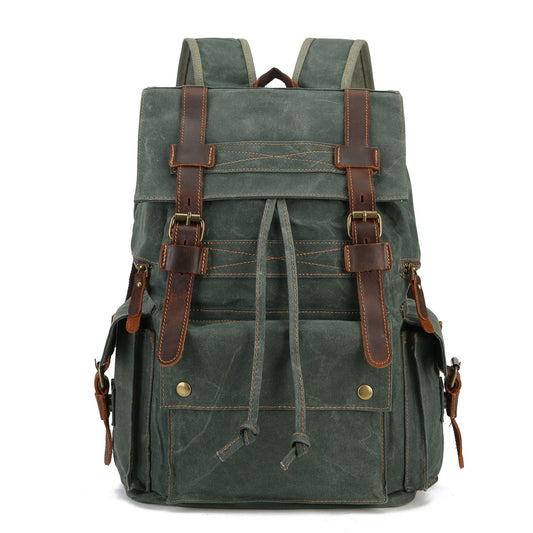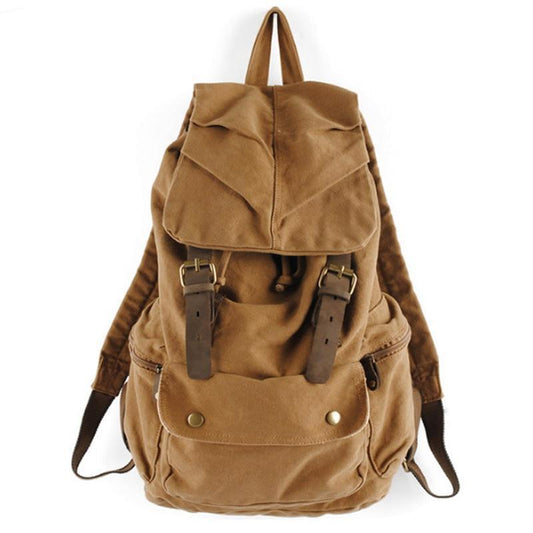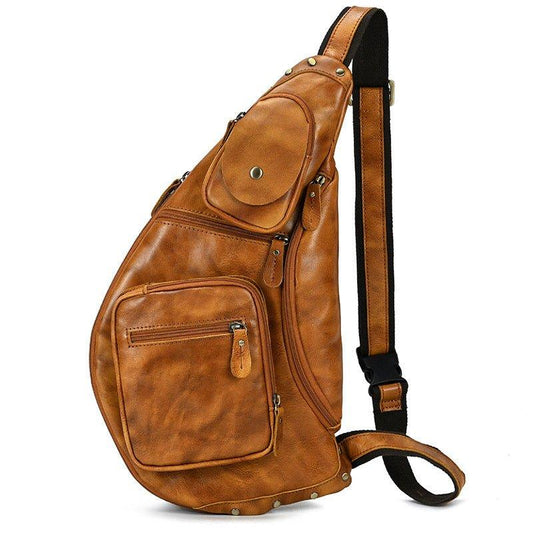

Vintage Leather Messenger Bags: How to Pack and Organize Your Daily Commute Carry in 2026

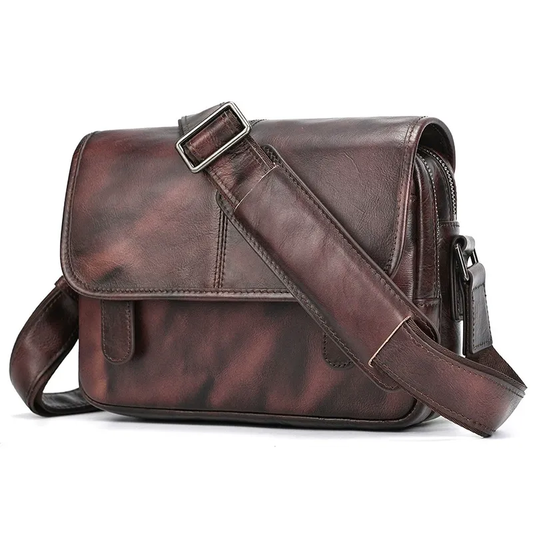
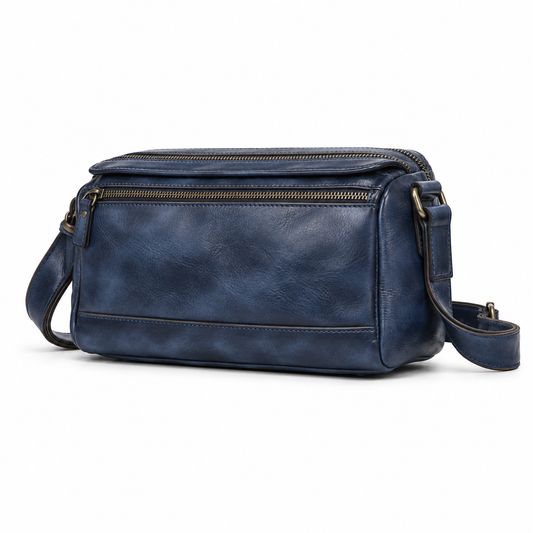
A vintage leather messenger bag can make a daily commute feel organized when the packing system respects the bag's shape and the route's access needs. The laptop, notebook, charger, bottle, keys, and personal items should have distinct places so the bag remains comfortable and secure while walking, cycling, or changing trains.
This 2026 guide covers daily load planning, packing order, strap comfort, device protection, and leather care. Check current dimensions, strap measurements, and materials on the live Woosir page.
Start with the commute list
Write down what is carried every day and what belongs only on certain days. A laptop, notebook, charger, keys, phone, and bottle may form the core, while gym clothes or a camera can change the volume. Choose the bag from the core load first.
Measure the device with its case and check the largest notebook or folder. The flap should close without forcing the leather, but extra room should not become an invitation to carry unnecessary weight.
Create a simple packing map
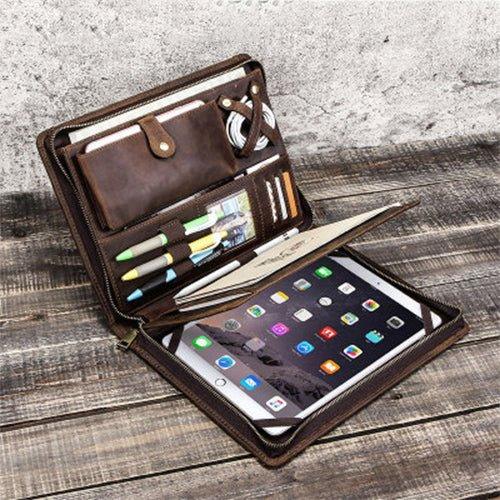
Keep the device against the body in a protected sleeve, documents in a flat zone, and cables in a soft pouch. Put keys and transit items in a quick-access pocket, while the bottle remains upright and separate from electronics.
A consistent map prevents the messenger from becoming a single dark cavity. Use one pouch for small items and avoid filling every narrow pocket; the goal is faster access, not more compartments.
Pack for walking and cycling
The bag should remain close to the body and stable when moving. Adjust the strap so the base does not swing into the hip, and test it with the coat or layers used in the real season. Dense items should sit near the back panel.
If cycling is part of the commute, confirm that the bag stays clear of the handlebars and does not shift forward when leaning. A messenger that is comfortable at a desk may need a tighter, more controlled setup on a bike.
Protect technology and papers
Keep the laptop away from buckles, keys, and hard charger blocks. Add a sleeve if the interior divider is thin. Papers should sit in a folder, and liquids should be contained in a separate pouch or bottle pocket.
When the bag is set down, the device should not take the impact through the base. A supported bottom and controlled load protect the contents better than simply choosing a thick-looking leather body.
Use the flap and closures well
A flap protects the opening and gives the messenger its character, but it must close securely when the bag is full. Test buckles, magnets, or snaps with one hand and check that the closure does not bow open around the laptop.
In crowded places, keep the bag closed and rotate it toward the front when needed. Do not leave documents or cards visible while searching. A good access system reduces exposure as well as search time.
Reset and care after work
Empty receipts, food, and damp items at the end of the day. Brush away surface dust and allow the bag to air if it has been exposed to rain. Inspect the strap anchors, handle stitching, and base before a heavy week.
Condition leather sparingly and only according to the finish guidance. Store the messenger with the flap supported and enough airflow. Small, regular care keeps the bag ready for the next commute.
Messenger commute checklist
- Measure the real laptop and daily carry load.
- Use clear zones for device, documents, accessories, and access items.
- Adjust the strap with the clothing and movement of the route.
- Keep closures secure in crowded places and during cycling.
- Reset, dry, inspect, and care for the leather after work.


A commuter reset should happen at the same place each evening. Return the device, documents, charger pouch, and keys to their zones, then remove anything that belongs elsewhere. This simple habit keeps the messenger comfortable and prevents the next morning from beginning with a search.
Build the messenger around the order in which the commute actually happens. Put an access card, phone, and earbuds in the nearest secure pocket; keep a notebook or tablet in a padded zone; and place a bottle upright where it cannot press against electronics. Documents should stay flat, while cables and small adapters belong together in a pouch so they do not collect at the bottom. Adjust the strap so the bag sits close enough for control without pulling across the neck, and alternate shoulders when the load allows. On rainy days, protect the inner contents before stepping outside rather than waiting for the first drops. A good daily carry is not the bag with the most compartments; it is the one that makes the same sequence of packing, carrying, and unpacking easy every day.
Material and hardware should support the daily route rather than create extra care work. Check whether the shoulder strap can be adjusted over a coat, whether the flap or zipper can be opened with one hand, and whether the base can tolerate being placed beside a desk or seat. If the bag is leather, allow natural marks to develop and follow the care guidance for conditioning. If the load changes seasonally, leave enough flexibility to add a light layer without compressing the device compartment.
Related Woosir resources
Use these related Woosir pages to compare current materials, dimensions, care details, and available variants before making a final decision.