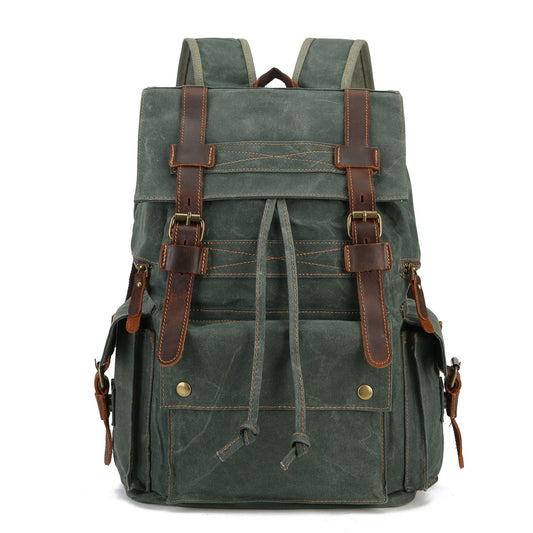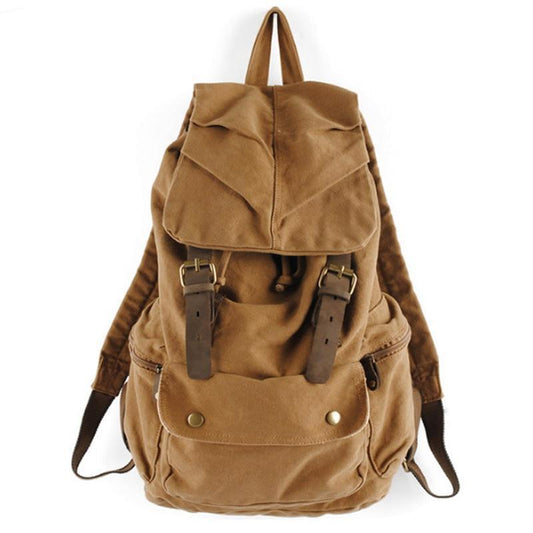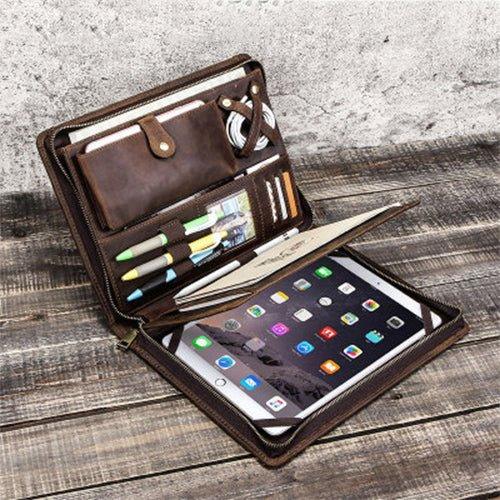


The Digital Nomad Bag Organization System: Pack, Power & Protect Your Gear in 2026

A digital nomad bag has to protect technology without becoming a disorganized storage box. The strongest setup separates power, devices, documents, clothing, and personal items into zones that can be reached during a commute, a flight, or a work session. Good organization reduces both search time and accidental damage.
This 2026 system is designed for people moving between accommodation, coworking spaces, cafés, and airports. Adapt the zones to your actual equipment, then confirm live capacity, sleeve dimensions, and carry details before choosing a bag.
Build zones around moments of use
Start with the moments when the bag is opened: security screening, a charging stop, a work session, a hotel arrival, and the end-of-day reset. Each moment suggests a zone. Documents and chargers should not be buried beneath clothing, and a jacket should not press directly against a laptop.
Use a repeatable layout rather than relying on memory. A device sleeve, power pouch, document pocket, clothing cube, and quick-access pocket create a simple map that survives changes in destination. Organization is successful when the bag can be repacked in low light or while tired.
Protect devices and power equipment
Measure the laptop, tablet, camera, and accessories together. Devices need padding, separation from hard objects, and a base that will not take a direct impact when the bag is set down. Place the charger and power bank in a pouch so cables do not wrap around the computer.
Keep batteries and power banks in the location required by the airline and avoid placing them beside liquids. Labeling a pouch by function can be more useful than adding more compartments. The goal is a controlled kit that can be removed quickly without emptying the main cavity.
Documents, access, and security
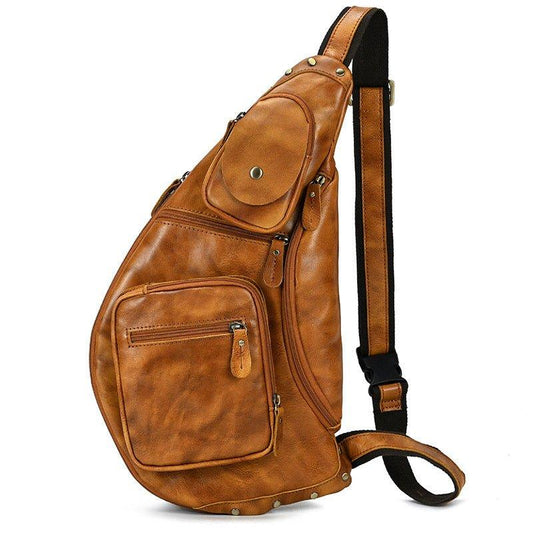
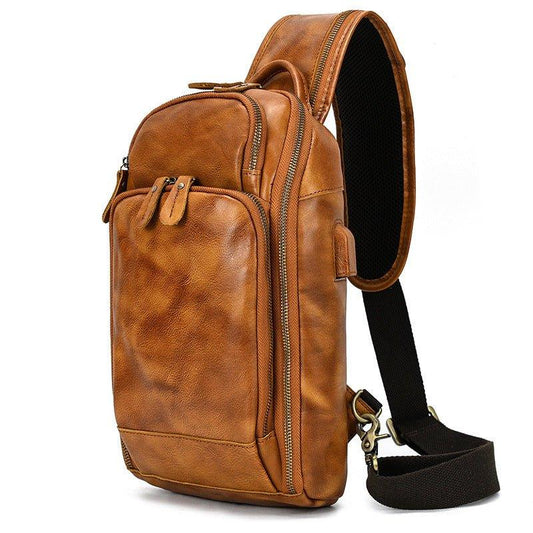
Keep the passport, travel documents, backup card, and current itinerary in a predictable inner-access zone. Avoid storing all valuable items together when the route includes crowded public transport. A small crossbody or waist bag can separate the items needed while walking from the equipment left in the main pack.
Digital copies are useful, but they do not remove the need for physical control. Close the bag before moving, check every pocket when leaving a workspace, and keep the zipper pulls within sight or reach in crowded places.
Clothing and personal comfort
Nomad packing often fails because clothing expands into every remaining space. Use a small cube, roll soft layers, and keep one change of clothes accessible. Dense shoes or toiletries should not sit against the laptop sleeve. A compact laundry pouch prevents worn clothing from spreading odor through the work kit.
The bag should remain comfortable when technology and personal items are both loaded. Place dense objects close to the back, keep the heaviest item centered, and leave enough room for a rain layer or water bottle without distorting the device compartment.
Airport and coworking transitions
A bag built for mixed travel should open in a way that supports security checks without exposing every personal item. Quick-access pockets should hold only what is safe to reach in public. At a coworking space, the same zones should make it easy to remove the computer, charger, and notebook without unpacking clothing.
Use a reset routine after each transition: laptop in sleeve, power pouch closed, documents returned, bottle checked, and zipper fully shut. Small resets prevent cable loss and keep a rushed departure from becoming a missing-item problem.
Weather, storage, and daily maintenance
Remote work often means moving between unpredictable weather and climate-controlled rooms. Protect electronics with a sleeve or dry pouch even when the outer fabric is water resistant. If the bag becomes damp, remove devices as soon as practical and dry the bag with all compartments open.
Once a week, empty receipts, old snack wrappers, and duplicate cables. Inspect the shoulder anchors, base, and zipper tracks. A lighter, cleaner bag is easier to carry and makes important items visible again.
Digital nomad packing checklist
- Create zones for devices, power, documents, clothing, and quick access.
- Measure equipment with protective cases included.
- Separate valuables and keep the public-facing load limited.
- Pack clothing in a controlled cube and keep one layer reachable.
- Run a reset check after every airport, café, and coworking transition.


A digital nomad system should also include a deliberate shutdown routine. Before leaving a coworking space, confirm that the laptop is in its sleeve, the power bank is present, the charger is not still connected to a wall, and the documents are back in the secure zone. Before boarding, move only the items required during the flight into the accessible pocket and keep the rest closed. At the hotel, empty food and bottles, separate worn clothing, and charge devices in one place. This prevents the backpack from becoming a permanent mixed pile of work and travel objects. Reconsider the load when the trip changes from a city commute to an outdoor day; a second light day bag may be safer than carrying every cable and device everywhere. The most useful digital nomad bag is not the one with the most pockets. It is the one whose organization remains understandable when the schedule is changing.
Related Woosir resources
Use these related Woosir pages to compare current materials, dimensions, care details, and available variants before making a final decision.