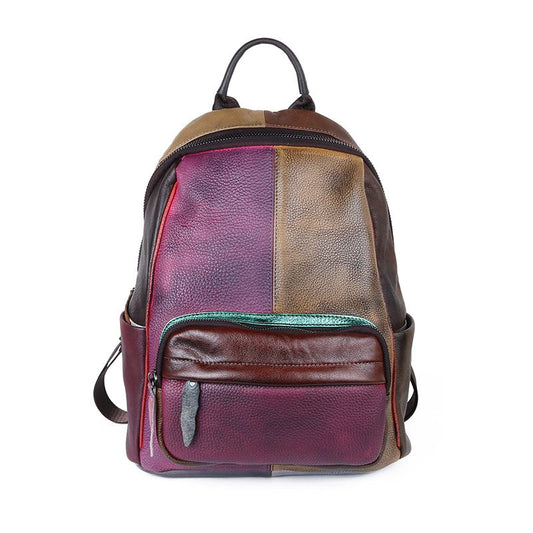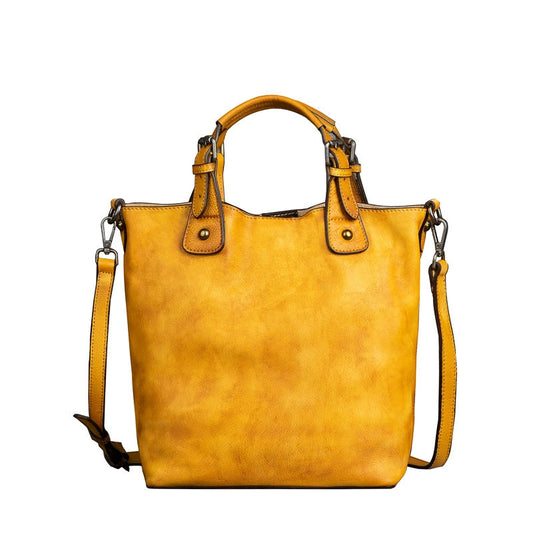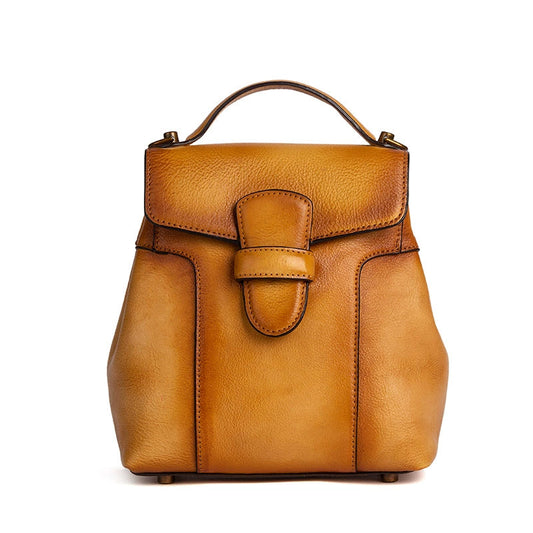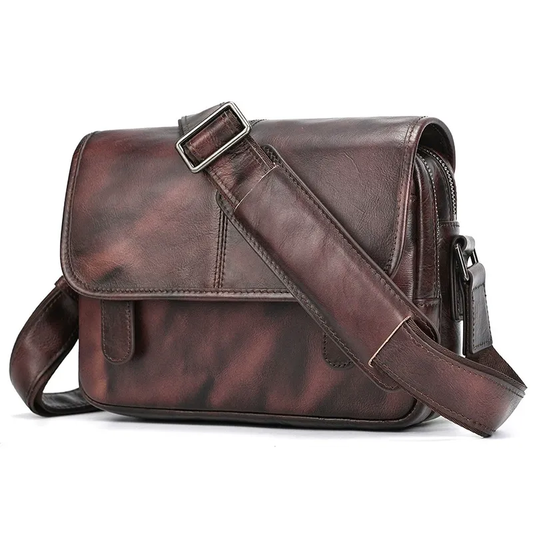

School Backpack vs Travel Backpack: Organization, Features & the Best of Both Worlds in 2026

The best school-and-travel backpack is not the one with the most pockets. It is the one whose organization can change from books and stationery to clothing, devices, and documents without losing comfort or access. A clear system protects the load and prevents the backpack from becoming heavy with forgotten items.
This 2026 guide compares useful features for both routines. Use the real school load and a realistic travel load when testing a backpack, then confirm current dimensions and compartment measurements on the live Woosir page.
Separate school mode from travel mode
School mode usually needs books, folders, a laptop or tablet, lunch, water, and small stationery. Travel mode may replace books with clothing, shoes, toiletries, documents, and a charger. Write both lists separately so the shared backpack is not judged by an imaginary average load.
A removable pouch or packing cube can help the same bag change roles. Remove food and old papers before travel, and do not carry the school load into an airport by default. Organization begins with a clean reset.
Use compartments by access and density
Keep dense books or devices close to the back panel. Use the main cavity for flexible clothing or folders, a front pocket for daily stationery or travel documents, and a side pocket for water. The same physical pocket can serve a different category when the mode changes.
Avoid placing all small objects into separate narrow slots. A pouch keeps cables, pens, or personal items together and can be moved between school and travel. Fewer clear zones are easier to remember than a crowded organizer.
Device and document protection
Measure the device with its case and ensure the sleeve does not force it into a tight corner. A school day needs protection from books and lunch containers; travel adds rough luggage handling and security checks. Keep the laptop away from bottles and hard accessories in both modes.
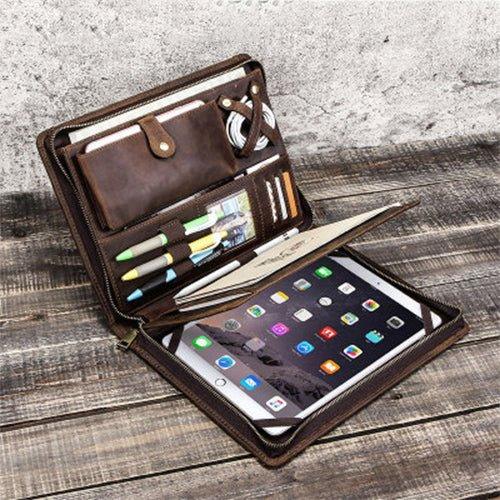
Use a folder for papers and tickets so corners remain flat. If the backpack opens from the front or clamshell-style, practice removing the device without scattering the rest of the load. The right feature is the one that works under time pressure.
Fit and safe everyday carry
The pack should sit close enough to remain stable while walking, but not so tight that it restricts breathing. Adjust the straps with the actual load, keep dense objects near the back, and use a sternum strap when it helps prevent side-to-side movement.
Test the backpack on stairs, public transport, and a longer walk. A bag that feels fine for a short classroom trip may become tiring at an airport. Discomfort, leaning, or shoulder pressure are signals to reduce weight or change the load map.
Features worth keeping
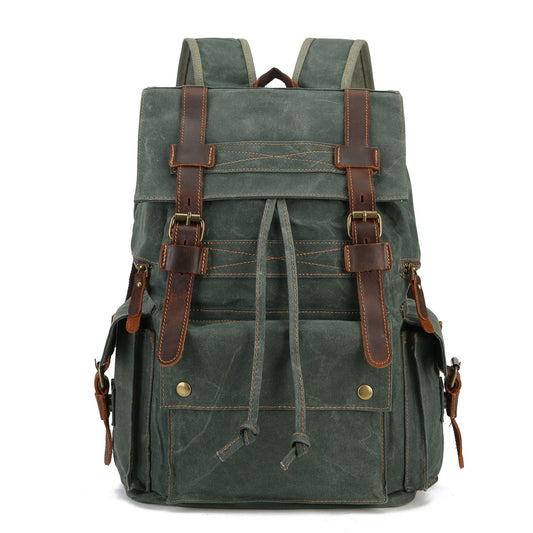
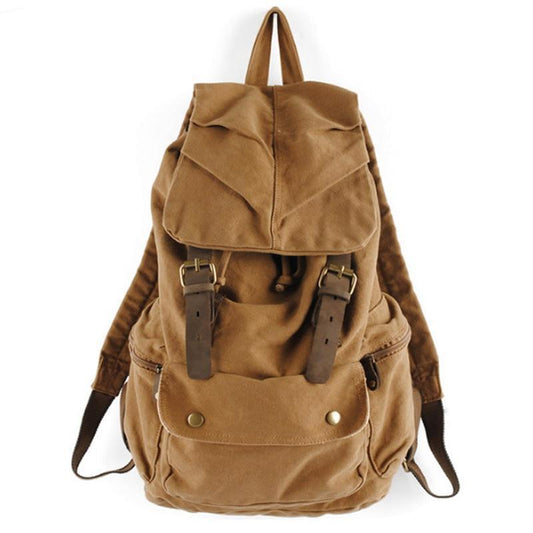
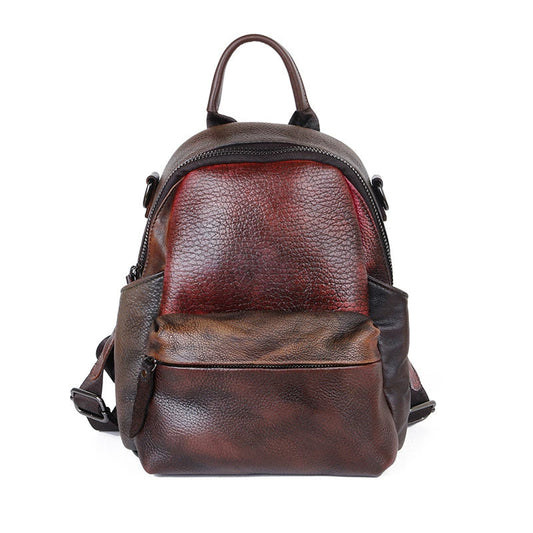
A useful school-and-travel backpack may include a protected device sleeve, a controlled main opening, an exterior quick-access pocket, water-bottle storage, compression, and a comfortable harness. Each feature should solve a real problem instead of adding complexity.
Check whether compression straps obstruct the opening, whether side pockets make the packed bag too wide, and whether the base can tolerate daily floors and travel platforms. Feature quality is measured when the bag is full, not when it is empty.
Weather and clean transitions
Rain, food, and damp clothing can affect both school and travel. Keep liquids upright, use an inner dry pouch for electronics, and remove wet layers promptly. Let the backpack dry with compartments open rather than storing it damp in a locker or car.
At the end of each day, remove receipts, wrappers, and papers that no longer belong. A weekly reset keeps the bag lighter and makes it ready for the next routine without a complete unpacking.
Organization checklist
- Create separate school and travel packing lists.
- Place dense items near the back and protect the device.
- Use removable pouches for small accessories.
- Test fit and comfort with both realistic loads.
- Reset, dry, and clean the backpack before changing modes.


The best of both worlds still requires a clear boundary between daily and travel items. Keep a school pouch for pens and small tools, a travel pouch for cables and documents, and remove whichever one does not belong before changing modes. This prevents duplicate chargers, old papers, and snacks from accumulating at the bottom of the pack. Check the exterior pockets after each trip because they are often the first places where water, dirt, or forgotten receipts collect. When the backpack is full, test the zipper path, side-pocket width, and shoulder adjustment rather than evaluating each feature separately. A device sleeve, a useful main opening, and a comfortable harness create more value than a long feature list. The right organization is the one a student or traveler can repeat without thinking, even on a rushed morning or after a late arrival.
Review the organization at the end of the first week rather than adding more pockets immediately. Remove anything unused, protect the device, and adjust the straps with the actual load. A simple system usually remains comfortable longer than a crowded one.
Related Woosir resources
Use these related Woosir pages to compare current materials, dimensions, care details, and available variants before making a final decision.