

Le système d'organisation de sac pour nomade numérique : emportez, alimentez et protégez votre équipement en 2026

Qu'est-ce qu'un système de sac de nomade numérique ?
La plupart des articles sur les « meilleurs sacs pour travailleurs à distance » se limitent au produit. Ils vous disent quel sac à dos acheter et passent à autre chose. Mais l'équipement n'est que la moitié de l'histoire. Un véritable sac de nomade numérique est un système — une manière reproductible de ranger, d'alimenter et de protéger votre vie professionnelle afin que vous puissiez arriver à Bangkok, Lisbonne ou Mexico et être productif en une heure après avoir déposé votre sac. Ce guide construit ce système de l'intérieur vers l'extérieur, avec des méthodes d'organisation qui fonctionnent sous tous les climats et sur tous les continents.
Que vous soyez développeur, rédacteur, designer ou consultant, l'objectif est le même : un seul sac qui contient votre bureau, qui passe les contrôles des compagnies aériennes à bas coût et qui maintient vos appareils en vie pendant les longs trajets et les sessions de coworking d'une journée entière. Le coût d'un sac désordonné est réel : appels manqués à cause d'un ordinateur portable déchargé, passeport perdu dans une ville étrangère et la friction quotidienne de fouiller dans un puits sans fond. Un système élimine entièrement cette friction.
Le nomade qui maîtrise le système cesse de se battre avec son sac et commence à compter sur lui. Cette fiabilité est le véritable luxe du travail indépendant de l'endroit — non pas les destinations, mais la confiance tranquille que votre bureau est toujours rangé, chargé et prêt à être déployé dès votre arrivée. Cet article est le manuel d'utilisation de cette confiance, construit à partir d'habitudes qui prennent quelques minutes à apprendre et des heures à rentabiliser sur une année de voyage.
Commencez avec le bon sac pour le système
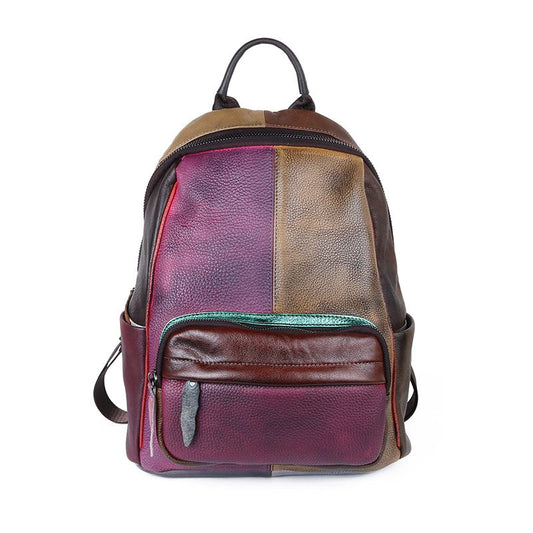
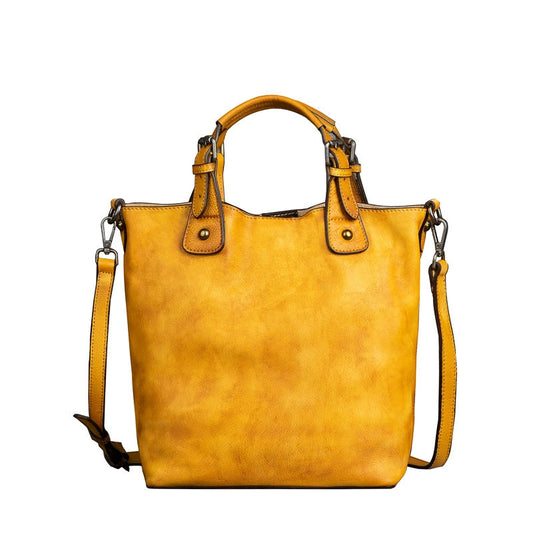
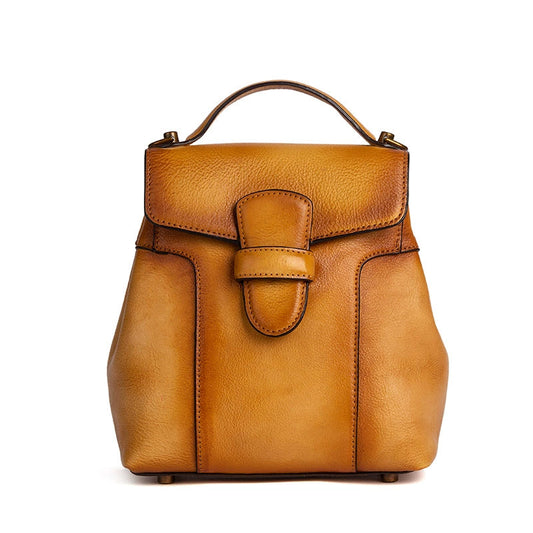
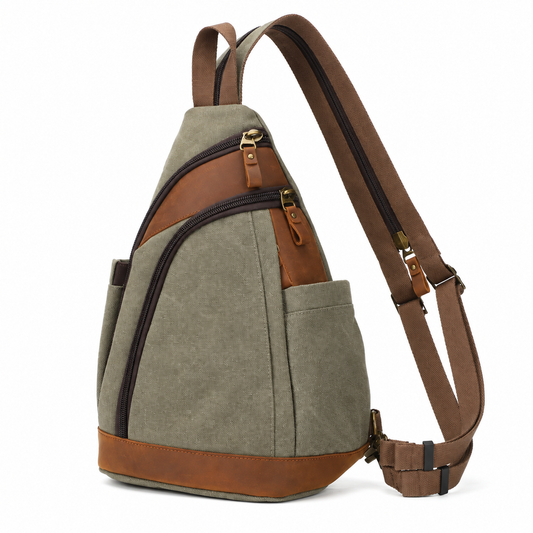
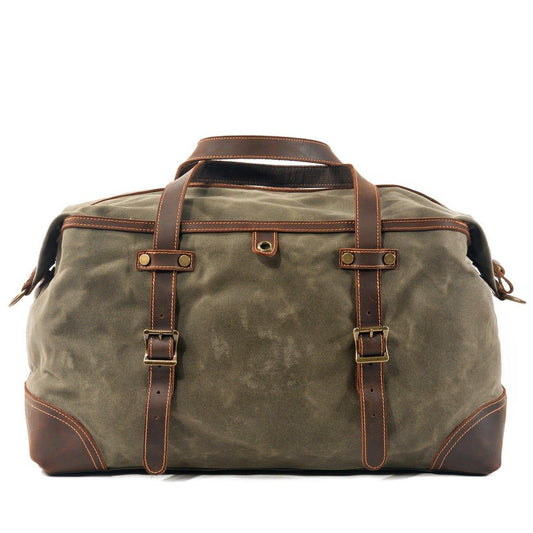
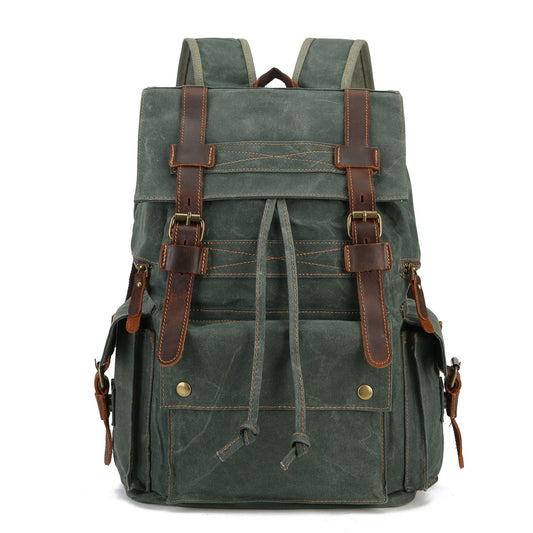
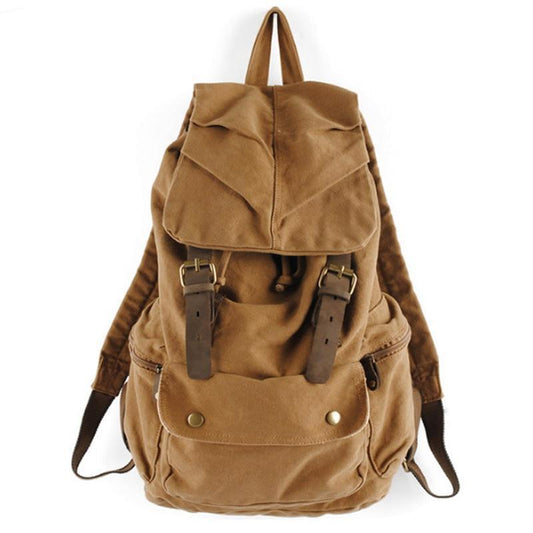
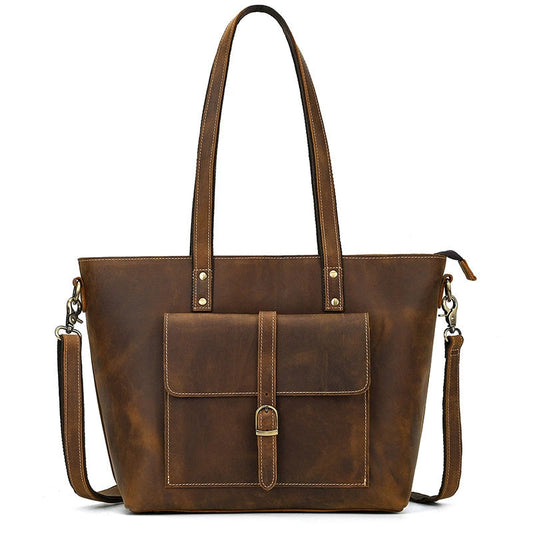
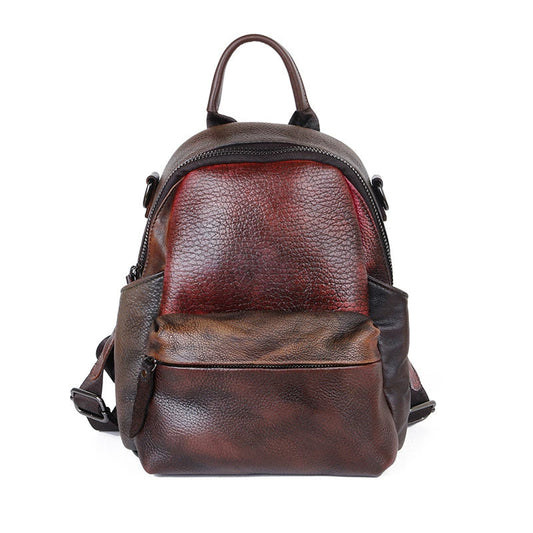
Le système a besoin d'une base stable. Recherchez un sac à dos ou un hybride de 25 à 35 litres, compatible avec les bagages à main, doté d'une housse d'ordinateur portable suspendue, d'une large ouverture et d'un accès externe à votre passeport et à votre chargeur. Un sac de voyage convertible en sac à dos fonctionne bien car il se porte comme un sac à dos les jours de transit et s'ouvre comme un sac de voyage lorsque vous vous installez. Associez-le à un sac en bandoulière pour les essentiels quotidiens afin de ne pas traîner tout le bureau au café. Évitez les "bagages à main" de 40 litres qui ne passent pas les contrôles stricts européens ; le meilleur sac de nomade disparaît dans le compartiment supérieur et l'espace derrière le siège.
La configuration du sac de nomade numérique : méthode des trois zones

Le cœur du système est de diviser votre sac en trois zones, chacune ayant une seule fonction. C'est ce qui permet à un nomade de rester calme à la sécurité, dans un train et à un bureau partagé.
- Zone 1 — Articles du quotidien (EDC) : passeport, portefeuille, téléphone, écouteurs, carte de transport et batterie externe. Se trouve dans le sac en bandoulière ou la poche supérieure à accès rapide.
- Zone 2 — Cœur technologique : ordinateur portable, tablette, chargeurs, câbles, adaptateur, souris. Central, rembourré et accessible sans déballer les vêtements.
- Zone 3 — Soutien vital : vêtements, articles de toilette, médicaments et documents. Au fond du sac, emballé pour remplir l'espace et amortir la technologie au-dessus.
Ordre de rangement : Quoi ranger où et pourquoi
Les zones ne fonctionnent que si vous rangez dans le bon ordre. Construisez le sac de bas en haut :
- Placez les vêtements roulés tout en bas pour former un coussin amortisseur pour la technologie au-dessus.
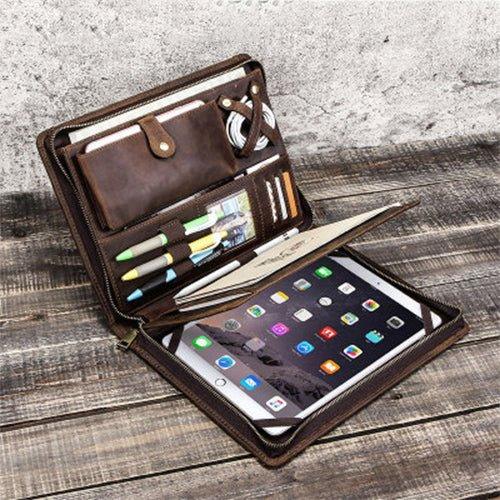
- Placez la pochette ou la housse du cœur technologique au milieu, centrée contre votre dos pour l'équilibre.
- Gardez les articles EDC dans la poche supérieure ou le sac en bandoulière pour un accès instantané aux portes d'embarquement et aux cafés.
- Glissez les documents plats dans une pochette arrière pour qu'ils restent sans plis et à l'abri des éclaboussures.
- Réservez une petite poche extérieure pour une bouteille réutilisable et un parapluie.
Cet ordre signifie que vous n'aurez jamais à fouiller tout le sac pour atteindre un chargeur, et que les objets les plus lourds sont placés le plus près de votre colonne vertébrale, là où un bon harnais les supporte.
Gestion des câbles et de la technologie qui fonctionne vraiment
Rien ne gâche la première matinée d'un nomade comme un enchevêtrement de câbles. Standardisez avant de partir :
- Emportez un chargeur GaN multiprise au lieu de trois blocs.
- Enveloppez chaque câble avec du velcro et étiquetez les deux extrémités avec du ruban adhésif.
- Utilisez un petit étui rigide pour les adaptateurs, les outils SIM et les clés USB.
- Gardez un câble USB-C de rechange dans la sacoche EDC pour charger à l'aéroport.
- Photographiez votre installation une fois, afin de pouvoir la refaire à l'aveugle à 2 heures du matin.
| Article technologique | Pourquoi il en vaut le poids | Où il réside |
|---|---|---|
| Chargeur GaN (65W+) | Charge l'ordinateur portable et le téléphone avec un seul bloc | Cœur technologique |
| Adaptateur de voyage universel | Fonctionne en Asie, en Europe, aux Amériques | Cœur technologique |
| Batterie externe 10 000 à 20 000 mAh | Survit aux prises mortes et aux longs vols | Sac EDC |
| Hub USB-C multiprises | Se connecte à n'importe quel écran client | Cœur technologique |
| SIM locale ou eSIM | Évite les coupures de données en itinérance | Sac EDC |
Le calcul de l'énergie : De quelle autonomie avez-vous réellement besoin ?
Les nomades surestiment les chargeurs et sous-estiment les batteries. Une journée de travail typique consomme environ 60 à 80 wattheures d'un ordinateur portable, plus 15 à 25 d'un téléphone et d'accessoires. Une batterie externe de 20 000 mAh contient environ 74 wattheures, assez pour secourir un ordinateur portable déchargé une fois ou recharger un téléphone plusieurs fois. Gardez la batterie dans la zone EDC pour qu'elle soit toujours avec vous, et traitez le chargeur mural comme une batterie de secours plutôt que comme la principale. Dans les régions où les réseaux sont instables — certaines parties de l'Asie du Sud, certaines parties de l'Amérique latine — la batterie n'est pas une option ; c'est la raison pour laquelle vous respectez le délai.
Réalités régionales : Asie, Europe et Amériques
Le système de sac de nomade numérique doit s'adapter aux conditions locales. Une configuration adaptée à une région échoue dans une autre.
Asie : Chaleur, humidité et foules
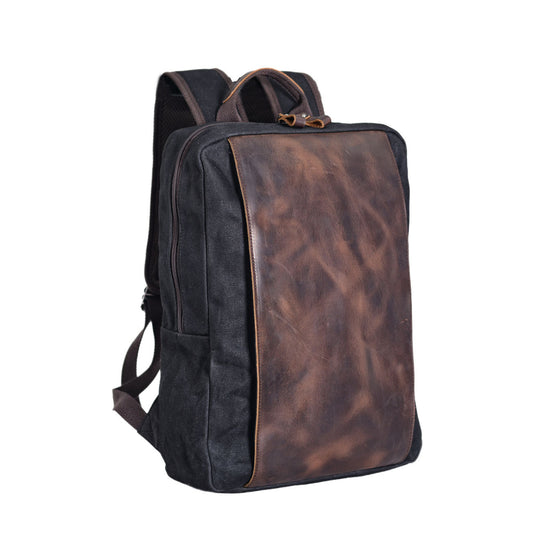
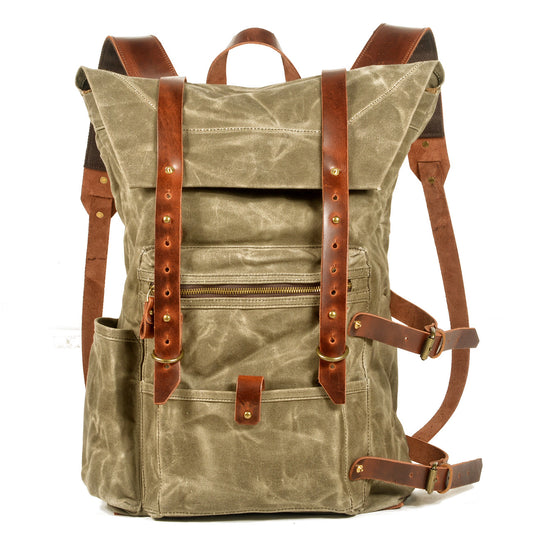
L'Asie du Sud-Est et du Sud apporte l'humidité de la mousson, des transports bondés et des averses fréquentes. Utilisez une housse de pluie, gardez les appareils électroniques dans des pochettes zippées et transportez moins d'argent liquide — les paiements mobiles dominent. Un sac à dos en toile et cuir résiste mieux à l'humidité que les options tout cuir ici, et la charge plus légère est importante par temps chaud et humide. Emportez une couche de moins que vous ne le pensez ; la lessive est bon marché et rapide dans toute la région, et un sac lourd par 90 % d'humidité est misérable.
Europe : Pavés, trains et gabarits stricts
Les compagnies aériennes européennes à bas coût appliquent strictement les tailles des articles personnels, et les rues pavées punissent les charges mal équilibrées. Gardez le sac sous la jauge, utilisez la ceinture abdominale les jours de transit, et organisez-vous pour les sauts de train où vous remballez chaque nuit. Les villes à forte densité de pickpockets privilégient un sac qui reste devant vous dans la foule. Un profil mince se glisse également sous les tables de café et dans les trains régionaux bondés sans bloquer le couloir.
Les Amériques : Distance, air sec et voyages en voiture
L'Amérique du Nord et du Sud signifie de longs trajets terrestres, un air sec en cabine et des voitures de location. Un plus grand réservoir d'eau, un cœur technologique plus complet pour les jours de travail sur la route et un sac qui se transforme en sac de voyage pour le coffre, tout cela est rentable. L'air sec signifie également recharger plus souvent l'équipement, de sorte que la batterie externe reste dans la zone EDC. Traverser les frontières en bus en Amérique centrale récompense un sac que vous pouvez garder sur vos genoux avec les fermetures éclair vers l'intérieur.
Choisir votre sac en bandoulière quotidien
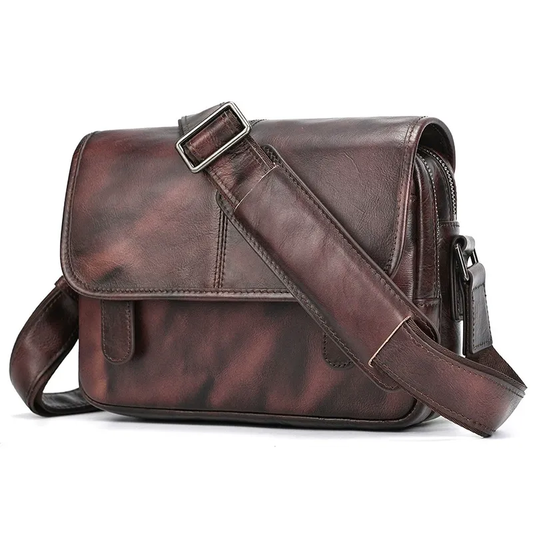
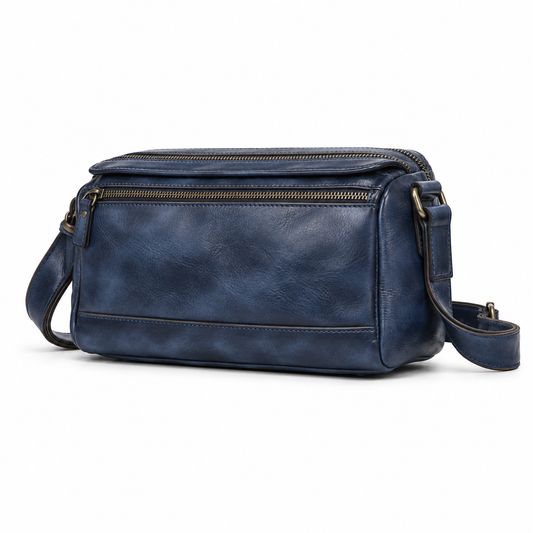
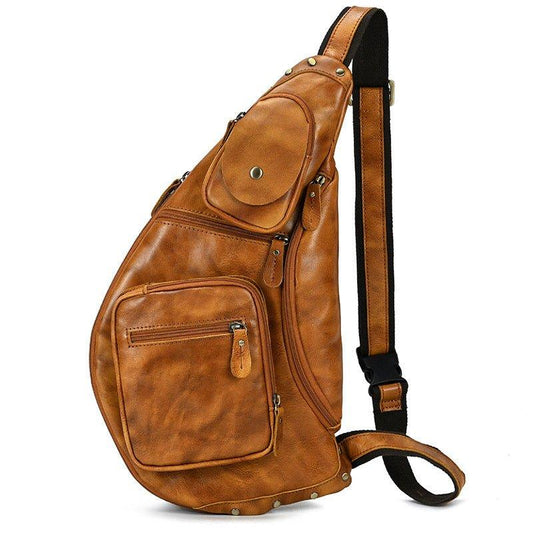
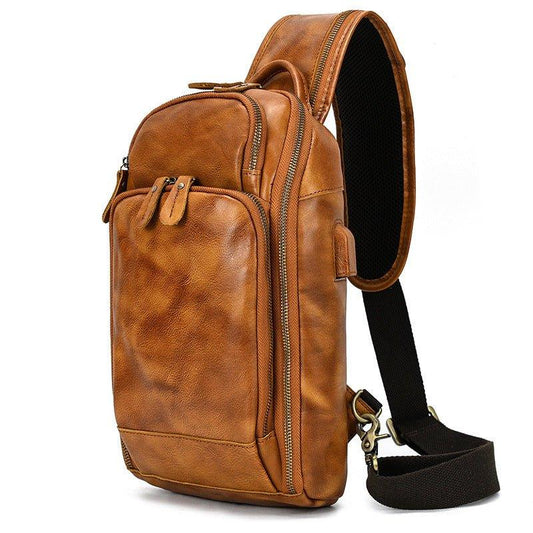
Le sac en bandoulière est l'élément le plus utilisé de tout le système, ne le négligez donc pas. Choisissez-en un avec un compartiment principal zippé, une poche avant à accès rapide pour votre téléphone, et une sangle réglable qui traverse le corps. Il devrait contenir votre passeport, votre portefeuille, votre téléphone, votre batterie externe, vos écouteurs et un tote bag pliable pour faire les courses. Un sac en bandoulière bien choisi signifie que le sac à dos principal reste à votre logement pendant les jours de travail, ce qui prolonge sa durée de vie et votre confort. Adaptez le matériau à votre climat, tout comme vous le feriez pour le sac principal, car le sac en bandoulière subit le plus d'abus quotidiens.
Poids et harnais : Le calcul du confort
Le poids compte plus que les spécifications une fois que vous marchez un kilomètre jusqu'à un tramway sous la chaleur. Visez un sac principal de moins de 1,5 kilo à vide afin que le système chargé reste gérable lors des longues journées de transit. Un harnais rembourré avec une véritable ceinture abdominale transfère le poids des épaules, ce qui est précisément le moment où un mauvais sac devient impensable. Essayez le sac, chargez-le au poids de voyage et marchez quelques minutes avant de vous engager — la sensation en magasin ment, et la rue dit la vérité.
Concentration et bruit : Le facteur de sac sous-estimé
Un sac désorganisé crée un stress de fond de faible intensité qui gâche un travail en profondeur. Chaque fois que vous cherchez un chargeur ou que vous vous demandez où est passé l'adaptateur, vous perdez votre concentration. Le système existe en partie pour protéger votre attention. Lorsque chaque chose a une place étiquetée, votre cerveau cesse de traquer les détails. Les nomades qui voyagent pendant des mois rapportent que le sac organisé fait la différence entre une semaine productive et une semaine frénétique. Considérez l'organisation comme un outil de productivité, et pas seulement comme une hygiène de rangement, et l'habitude s'ancrera parce que le gain est immédiat.
Transport en journée de coworking vs transport en journée de voyage
L'une des plus grandes erreurs des nomades est de transporter tout leur sac à un espace de coworking. Séparez votre système :
- Jour de voyage : tout — vêtements, technologie, documents — dans le sac principal.
- Jour de travail : ordinateur portable, chargeur, carnet et eau dans le sac à dos ; vêtements laissés au logement ; sac en bandoulière pour le portefeuille et le téléphone.
Cette charge quotidienne plus légère protège votre dos et votre équipement, et facilite les déplacements de café en café. Vous avez également moins l'air d'un touriste et plus d'un local, ce qui compte dans les villes bondées.
Une règle utile : si vous ne le porteriez pas à une réunion client, il reste à l'hébergement. Cette discipline maintient la charge quotidienne sous les cinq kilos et laisse de la place dans le sac à dos pour un carnet, une bouteille d'eau et un pull pour les espaces de coworking sur-climatisés. Sur un long séjour, le transport divisé signifie également que vous ne refaites entièrement vos bagages que lorsque vous changez de ville, et non pas chaque matin, ce qui économise discrètement des heures sur un mois de voyage et garde vos épaules fraîches.
Sécurité et couche de sauvegarde
Les revenus d'un nomade se trouvent dans son sac, il est donc judicieux d'ajouter une deuxième couche au-delà des fermetures éclair :
- Répartissez l'argent entre deux portefeuilles : un portefeuille pour les dépenses quotidiennes et une réserve cachée.
- Conservez une photocopie ou une photo de votre passeport dans le stockage cloud et dans le sac.
- Utilisez un câble antivol léger pour fixer le sac à un objet fixe dans les auberges.
- Activez le suivi des appareils et l'effacement à distance sur chaque ordinateur portable et téléphone.
Rien de tout cela ne vous ralentit une fois que c'est une routine, et n'importe quel élément peut sauver un voyage si quelque chose tourne mal.
Adaptation de votre sac au climat
- Régions humides : ajoutez des sachets dessicants dans le compartiment technique et aérez le sac chaque semaine.
- Régions froides : les batteries au lithium se déchargent rapidement — gardez la batterie externe à l'intérieur de votre manteau, pas dans le sac gelé.
- Régions poussiéreuses : fermez la fermeture éclair et essuyez la base quotidiennement ; la poussière s'introduit dans les fermetures éclair et les bloque.
- Régions humides : une housse de pluie compressible est toujours préférable à un ordinateur portable mouillé.
Organisation des documents et de l'argent
Les nomades traversent plus de frontières que la plupart des voyageurs, c'est pourquoi la discipline documentaire est importante. Gardez un portefeuille clair avec passeport, impressions de visa et carte de secours séparés de votre portefeuille de dépenses quotidiennes. Photographiez tous les documents et stockez-les dans le cloud, et conservez une copie papier des adresses clés. C'est la partie discrète du système de sac de nomade numérique qui sauve un voyage lorsqu'un portefeuille est perdu dans une ville étrangère. Un papier plié avec les numéros de votre ambassade, de votre assureur et de votre banque a sauvé plus de voyages que n'importe quel gadget.
Entretenir le système chaque semaine sur la route
Le système se dégrade si vous l'ignorez. Une fois par semaine, effectuez une réinitialisation de cinq minutes : videz le sac, secouez les miettes et le sable, réenroulez les câbles lâches, vérifiez que la batterie externe est chargée, et vérifiez que la sacoche EDC contient toujours le passeport, le téléphone et la batterie. Cette habitude permet de détecter un câble défaillant ou un adaptateur manquant avant que cela ne devienne un rendez-vous manqué, et permet au sac de rester un outil plutôt qu'un piège.
Un exemple d'équipement de nomade avec un seul sac
| Catégorie | Articles | Zone |
|---|---|---|
| Informatique | Ordinateur portable, tablette, souris, hub | Cœur technologique |
| Alimentation | Chargeur GaN, adaptateur, batterie externe, câbles | Cœur technologique / EDC |
| Transport | Sac à dos principal, sac en bandoulière, housse de pluie | Extérieur |
| Vêtements | Rotation de 5 jours, couches compactes | Soutien vital |
| Documents | Passeport, sauvegardes, adresses | Sac EDC |
| Santé | Médicaments, prises d'adaptateur, désinfectant | Soutien vital |
Erreurs courantes des nomades numériques avec leur sac
- Acheter un "bagage à main" de 40L qui ne passe pas les contrôles européens – réduisez la taille.
- Transporter trois chargeurs quand un seul bloc GaN suffit.
- Garder la batterie externe dans le bagage enregistré ou rangé au lieu de la zone EDC.
- Tirer tout le sac au coworking au lieu d'un transport quotidien divisé.
- Négliger les attaches de câble jusqu'à ce que l'enchevêtrement soit irréparable.
Questions fréquemment posées
Un seul sac suffit-il pour une vie de nomade à plein temps ?
Pour la plupart des télétravailleurs, oui. Un sac à dos de 28 à 32 litres (bagage à main) et une sacoche couvrent le travail et une rotation de vêtements de 5 à 7 jours si vous faites la lessive en chemin, ce que les nomades font constamment.
Comment garder mes appareils chargés dans différentes régions ?
Un chargeur GaN, un adaptateur universel et une batterie externe gèrent presque toutes les situations en Asie, en Europe et dans les Amériques. Vérifiez la tension uniquement pour les appareils non-USB.
Le sac de nomade numérique doit-il être en cuir ou en toile ?
Les hybrides toile et cuir résistent mieux à l'humidité et aux éraflures pour les séjours tropicaux, tandis que le cuir pleine fleur vieillit magnifiquement dans les villes tempérées. Adaptez le matériau à l'endroit où vous passez la plupart des mois.
Comment protéger son équipement contre le vol ?
Utilisez un sac avec des fermetures éclair cachées, gardez-le devant vous dans la foule et séparez votre portefeuille quotidien de votre carte de secours et de votre passeport. Un sac en bandoulière pour les essentiels réduit la fréquence à laquelle vous ouvrez le sac principal.
Quelle est la mise à niveau de nomade la plus utile ?
Une batterie externe de qualité gardée dans la zone EDC. Elle transforme une prise morte, un vol retardé ou une coupure de courant d'une crise en un inconvénient mineur, et elle se rentabilise dès le premier long jour de voyage.
À quelle fréquence dois-je remplacer les câbles et les adaptateurs ?
Inspectez-les tous les mois. Retirez un câble dès que la gaine se fissure ou qu'un connecteur semble lâche, car un chargeur défaillant lors d'un jour de voyage est un délai manqué. Emportez un câble de rechange étiqueté pour les câbles dont vous ne pouvez pas vous passer, et gardez les rechanges dans le cœur technologique où ils sont faciles à trouver.
Conclusion
Un sac de nomade numérique fiable est moins une question de logo que de système qui l'entoure : trois zones distinctes, une gestion disciplinée des câbles, une connaissance régionale et un transport quotidien divisé. Mettez en place le système une fois, et chaque nouvelle ville deviendra une installation d'une heure au lieu d'une course effrénée d'une demi-journée. Explorez nos sacs à dos en toile et cuir pour trouver la base que mérite votre vie de nomade.